Client gallery software for photographers Deliver the kind of link they open twice.
Deliver galleries that look like your brand, protect your work, and keep every image tied to the client who booked you.
Vignette is client gallery software for photographers who want delivery to remain part of the client relationship—not become a disconnected file handoff.
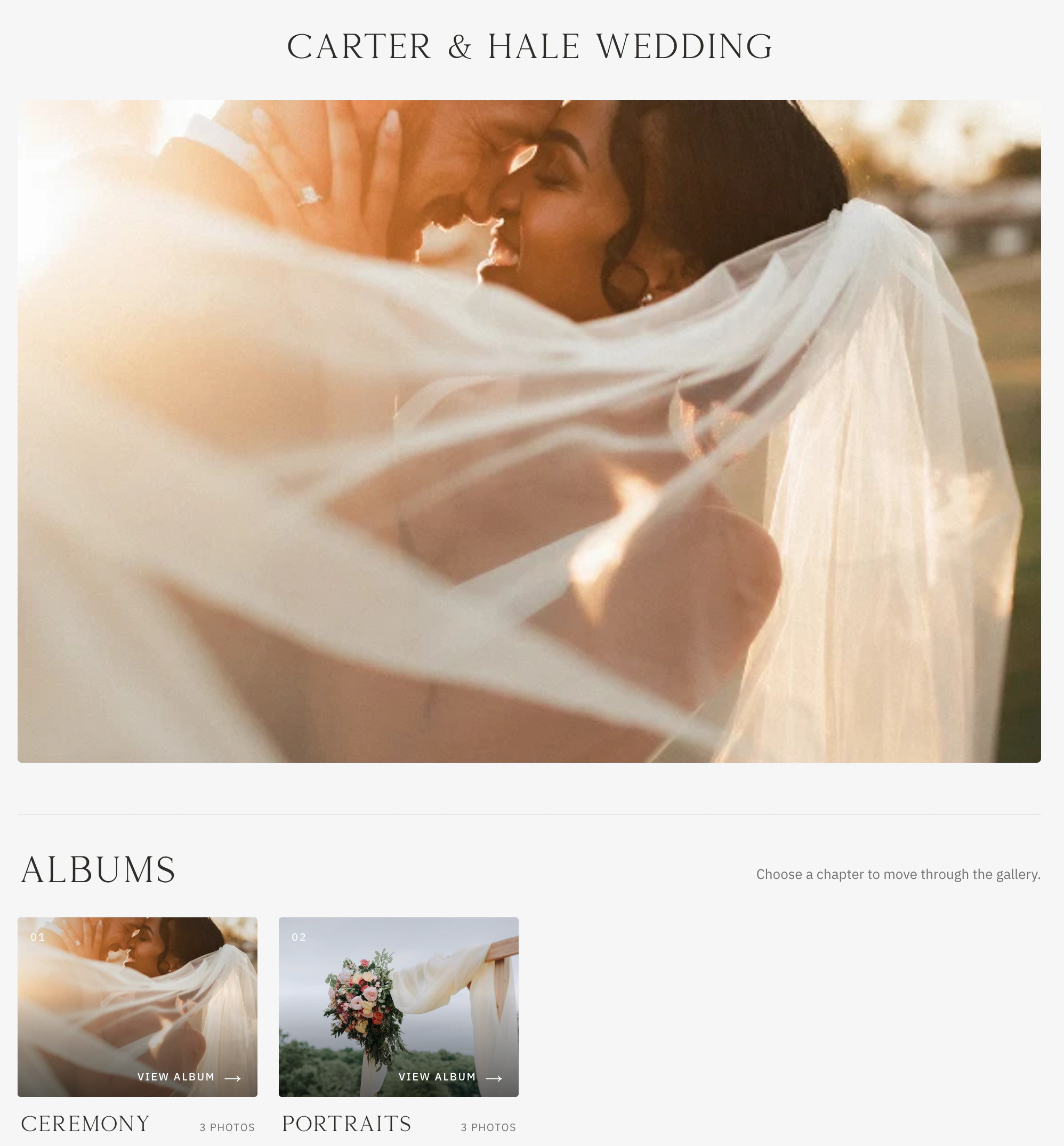
Gallery day is the emotional payoff of the entire client experience. A generic folder can technically deliver photos, but it cannot carry the care, pacing, and polish that brought the client to you. Vignette makes the final link feel like the final chapter of the shoot—the one they forward to everyone they know.
02 · SEE IT WORKING
Beautiful for them. Bulletproof for you.
Your client sees a clean, branded experience. You keep the practical controls that protect the work, guide selection, and manage its lifecycle.
01 · IN THE APP
Make the story feel intentional
Choose the cover, build albums like chapters, tag and order every frame, then preview exactly what your client will see before a single link goes out.
Cover, albums, tags, and custom photo order
Client preview before you share
Your favorites and your client’s favorites, side by side
Gallery · Manage
02 · IN THE APP
Share it without giving it away
Decide who can open it—only the people you email, or email plus a password. Cap downloads per client, brand every image with your watermark, and see the moment they have viewed it.
Private links for each recipient, with viewed status
Per-client download limits
Text or PNG watermarks with size, opacity, and placement
Gallery · Settings
03 · IN THE APP
Delivery that stays with the job
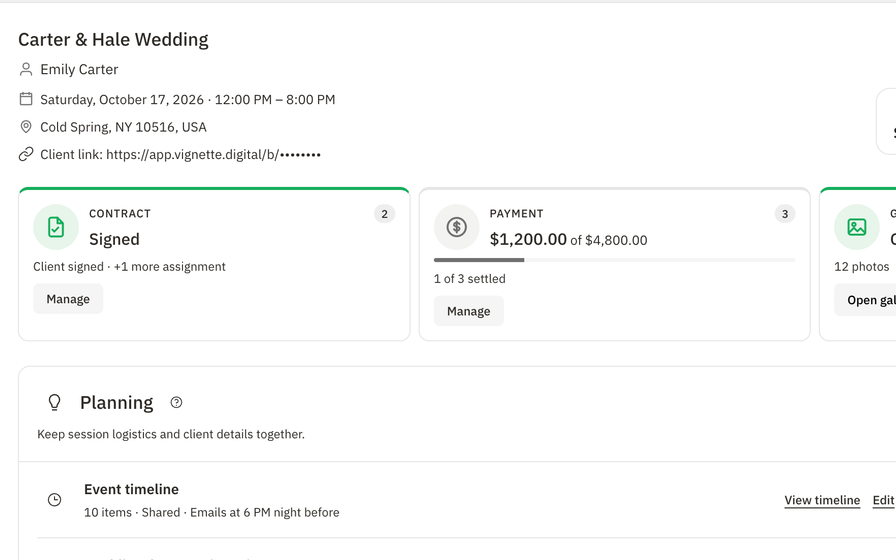
The gallery lives on the client record and the booking that produced it. When they come back next year, the whole story is one click away—and you decide when it expires, reactivates, or retires.
Linked to the client and the booking
Expiration, reactivation, and deletion controls
Gallery-by-gallery storage visibility
Booking workspace
Your work deserves a better final chapter.
Upload your next gallery, set the cover, and send a link that looks like the rest of your brand—the kind clients forward to everyone they know, with your name on it.
Create the gallery where the work already lives so the client, shoot, and delivery stay connected.
02 · SHAPE
Arrange the experience.
Upload photos, choose the cover, organize albums, add tags, and set the visual order of the story.
03 · PROTECT
Choose the access rules.
Set recipients, watermarks, original-download access, download limits, and the client-facing preview.
04 · SHARE
Send a link worthy of the work.
Invite the client, monitor the lifecycle, and reactivate an expired gallery when the relationship needs more time.
04 · WHAT IS INCLUDED
What Vignette client galleries include
Vignette is client gallery software for photographers who want delivery to remain part of the client relationship—not become a disconnected file handoff. Build a branded gallery, organize the story, control access and downloads, and keep the finished work connected to its booking.
✓Branded gallery presentation
✓Gallery covers and custom photo order
✓Albums and tags
✓Client favorites
✓Watermark controls
✓Original-download controls and download limits
✓Private recipient links
✓Client preview before sharing
✓Expiration, reactivation, and deletion controls
✓Gallery-by-gallery storage visibility
05 · THE HONEST FIT
Choose the fit. Not the pitch.
VIGNETTE MAKES SENSE FOR
Photographers who want CRM, business workflow, and delivery connected
Studios that need polished delivery without rebuilding client records elsewhere
Photographers who value clear access, download, and lifecycle controls
LOOK CLOSELY IF YOU NEED
Studios that primarily need video hosting and delivery today
Photographers whose primary business model depends on a built-in print-lab storefront
What Vignette does not pretend
Vignette galleries currently focus on photo delivery; native video delivery is not listed as a live feature.
Vignette does not currently advertise an integrated print-lab marketplace or gallery print store.
A manually deleted gallery and its photo files cannot be restored through a user-facing trash workflow.
Yes. Vignette galleries support client favorites so selections stay with the gallery rather than arriving as a list of filenames in an email.
Can I watermark gallery photos?
Yes. Gallery controls let photographers apply and manage text or PNG watermarks, with size, opacity, and placement, before sharing the work with clients.
Can I limit client downloads?
Yes. You can control original downloads and set recipient download limits. The exact access rules remain attached to the shared gallery.
What happens when a Vignette gallery expires?
Client access stops, while the photographer can still manage the gallery during its retention period. An expired gallery can be reactivated before permanent deletion.
How much does Vignette cost?
While the limited Unlimited offer lasts, Vignette is $35 per month with unlimited cloud storage after a 30-day free trial. The standard plans are Capture at $35 per month with 250 GB cloud storage and Focus at $50 per month with 1 TB cloud storage. Every plan includes every feature.
Do I need a credit card to start the free trial?
No. The 30-day free trial includes every feature and does not require a credit card to start.
Can I bring my existing clients with me?
Yes. Import contacts from a CSV or JSON file. Vignette previews the import and flags likely duplicates before anything is created.
07 · ALL CONNECTED
It all works together.
Every feature shares the same client, booking, and money—so nothing gets copied twice. Your subscription includes all of it.