Your second shooter should not need five apps to show up.
The rate is in a text. The agreement is a PDF attachment. The timeline is a screenshot. The RAW files show up two weeks later. And payment is a transfer you keep meaning to send. Vignette puts the whole crew workflow on the booking—so everyone knows where to be, what they are earning, and what comes next.
02 · SEE IT WORKING
Everyone on the same page. Only the right page.
Crew gets what they need to do great work—timing, role, rate, and the run sheet—while client payments, contracts, and private notes stay with you.
01 · IN THE APP
Roles and rates on every assignment
Give each person a role and a default hourly rate once. Add them to a booking and the rate fills in with an estimated payout, ready to adjust for that job.
Second shooter, assistant, associate, videographer, and content creator roles
Default hourly rates with per-booking overrides
Invites with sent, not sent, and resend status
People
02 · IN THE APP
The right shooter on the right moment
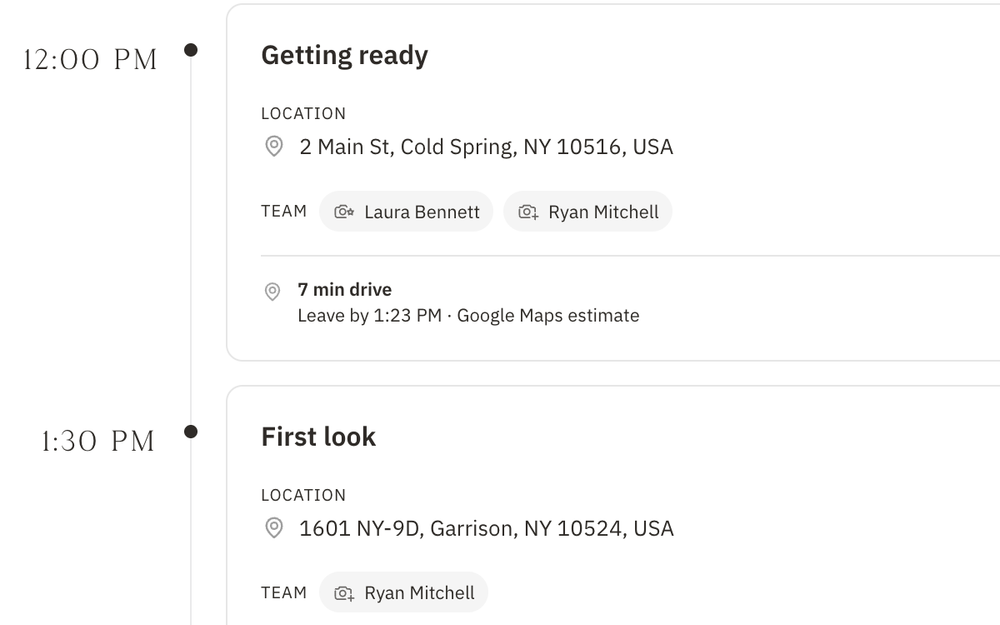
Assign team members to each moment on the timeline—first look, ceremony, family formals—so everyone knows exactly where they are needed and when.
Team assignments on every timeline event
Parallel coverage for moments that overlap
Changes batched into one team update
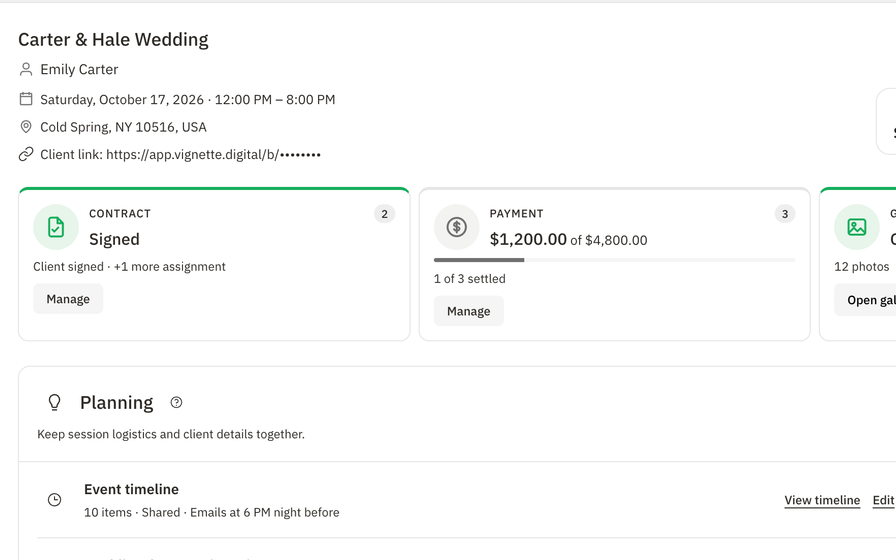
Booking · Event timeline
03 · IN THE APP
A run sheet in every pocket
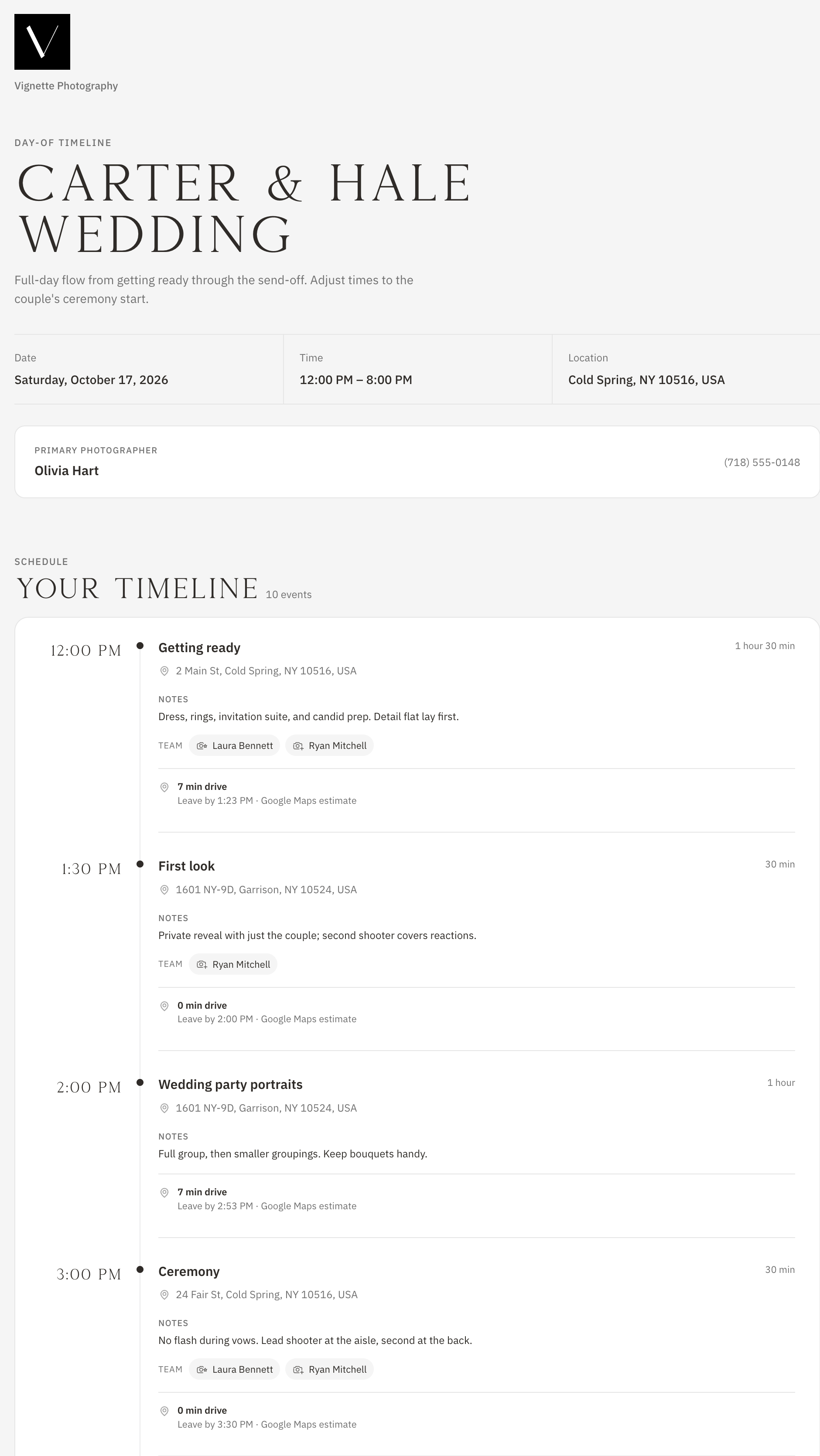
The shared day-of run sheet reaches your client and active team the night before—times, notes, locations, and who is covering what, on any phone.
Mobile-friendly run sheet link
Emailed automatically the night before
In-app reminder for linked team accounts
Day-of run sheet
Your crew, finally in the loop.
Add your second shooter to your next booking and send the invite. They get the role, rate, and run sheet; you get RAWs back and one tidy way to pay them.
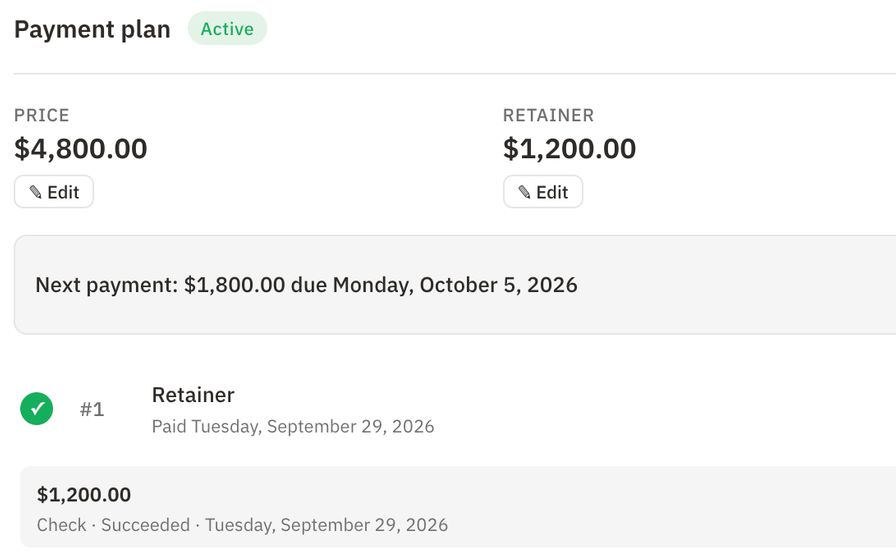
Pick a person, a role, and a rate. Vignette estimates compensation from the booking hours.
02 · AGREE
Send the right agreement.
Choose an agreement template for each role so every second shooter and assistant signs terms that fit the work.
03 · COORDINATE
Share the plan.
Assign people to timeline moments and share the run sheet so the whole crew moves as one.
04 · CLOSE OUT
Collect RAWs and pay.
Request RAW files through a secure upload link, then pay contractors through Stripe once they have accepted.
04 · WHAT IS INCLUDED
What Vignette team management includes
Vignette gives photography studios one place to manage second shooters, assistants, associate photographers, videographers, and content creators. Assign crew to a booking with a role and rate, send invitations and role-based agreements, put people on the right moments of the timeline, collect RAW files, and pay contractors—without exposing your client’s private details.
✓Team roles for every kind of collaborator
✓Default hourly rates with per-booking overrides
✓Estimated compensation per assignment
✓Team invitations with delivery status
✓Role-based team contract templates
✓Team assignments on timeline events
✓Shared day-of run sheet
✓Automatic RAW file requests with secure upload links
✓Contractor payments through Stripe
✓Team earnings view for contractors
05 · THE HONEST FIT
Choose the fit. Not the pitch.
VIGNETTE MAKES SENSE FOR
Wedding studios that regularly book second shooters and assistants
Associate-photographer teams working under one brand
Photographers who want crew paid and papered without spreadsheets
LOOK CLOSELY IF YOU NEED
Businesses that need payroll, tax withholding, or employee benefits
Teams that need long-term RAW archiving inside the same tool
What Vignette does not pretend
Contractor payments are not payroll and do not handle employee classification, withholding, or benefits.
Pay contractor appears after the team member accepts and has a ready payment account and hourly rate.
RAW handoff files are temporary and are not added to client galleries.
Changing a role or template does not rewrite an agreement that was already sent or signed.
Yes. Once a team member accepts an assignment and has a ready payment account, you can confirm the hours and pay them through Stripe. Vignette keeps no part of the contractor payment; Stripe processing fees apply.
What does a second shooter see?
Their role, timing, rate, estimated compensation, lead photographer, location, and the shared run sheet. They never see the client’s payments, contracts, gallery, or private notes.
Can different roles sign different agreements?
Yes. Turn on team contracts for a booking and choose an agreement template for each role, such as a second shooter or assistant agreement.
How do RAW files get from my team to me?
Automatic RAW requests go to every active assignment. Team members without an account get a secure upload link, and the lead photographer can download everything from the booking. Handoff files are temporary, so keep your own archive.
How much does Vignette cost?
Every plan includes every feature. Capture is $35 per month with 250 GB of storage, and Focus is $50 per month with 1 TB. While the limited Unlimited offer lasts, you can get unlimited storage for $35 per month.
Do I need a credit card to start the free trial?
No. The 30-day free trial includes every feature and does not require a credit card to start.
Can I bring my existing clients with me?
Yes. Import contacts from a CSV or JSON file. Vignette previews the import and flags likely duplicates before anything is created.
07 · ALL CONNECTED
It all works together.
Every feature shares the same client, booking, and money—so nothing gets copied twice. Your subscription includes all of it.