Business & Workflow
Back It Up Before You Pack It Up
Protect the shoot before editing begins with a simple, sustainable routine for cards, drives, and off-site copies.
 FIELD NOTE / Business & Workflow
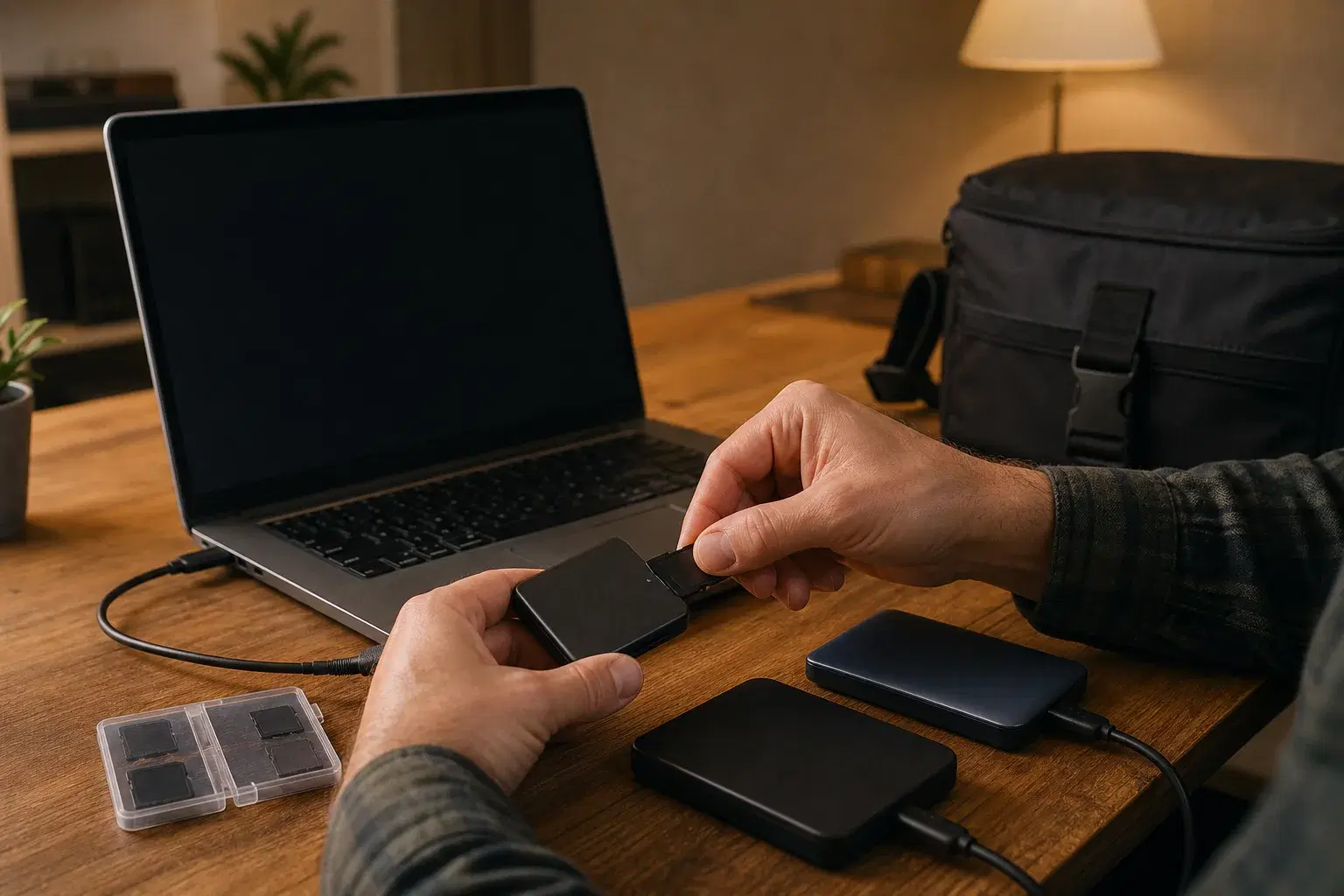
The most important backup happens before culling, editing, or opening “just one” favorite. A reliable routine turns a full memory card into multiple verified copies without depending on memory, motivation, or luck. Future You is already grateful.
Meet the 3-2-1 rule
Keep three copies of important files, on at least two different storage media, with one copy off-site. During an active project, that might mean:
- The original memory cards.
- A working copy on your main drive.
- A second copy on another drive or a cloud backup.
Do not format the cards until the other copies exist and at least one has been verified. A progress bar is encouraging; a checked file is evidence.
Give the files a home first
Use a predictable structure such as YEAR / YYYY-MM-DD_Client_Session / RAW. Consistent names make search, handoff, and recovery easier. Put every card inside the same session folder, but give each card a unique subfolder if filenames could repeat. “Untitled Folder 47” has done enough damage.
Copy, verify, then do the victory dance
A successful progress bar is not the same as a verified copy. Use software that verifies checksums, or at minimum compare file counts and open several files from different parts of the session. Confirm that previews render and the expected cameras and cards are represented.
Only after the working copy is verified should the second copy begin. If your internet is slow, let the off-site upload continue overnight while the original cards remain untouched.
Make card status impossible to miss
Create a simple rule for card cases. Cards facing label-up are ready; cards turned backward are captured and not safe to format. Use any system you will follow every time, and tell second shooters what it means before the session begins. The cleverest system is the one nobody has to remember twice.
Know when a card is actually reusable
A card is ready to format when:
- The working files are present and verified.
- A second local or off-site copy exists.
- The session appears in your tracking system.
- You are formatting in the camera that will use the card next.
Backup is not one magic hard drive. It is a chain of small decisions with no missing link.
Make boring your superpower
Automate drive and cloud backups where possible, but keep a visible end-of-shoot checklist. Test your restoration steps a few times a year. A backup you have never restored is a promise, not proof—and this is one part of photography that should be delightfully boring.